
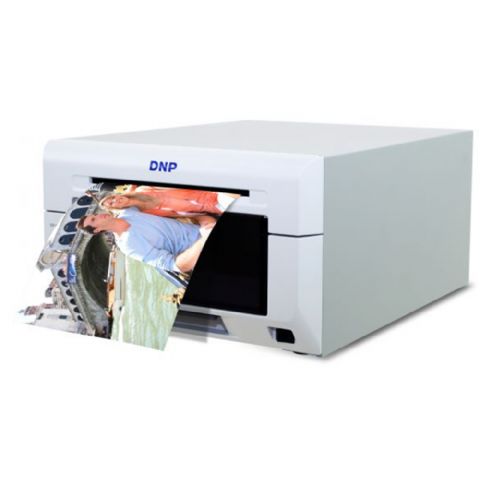
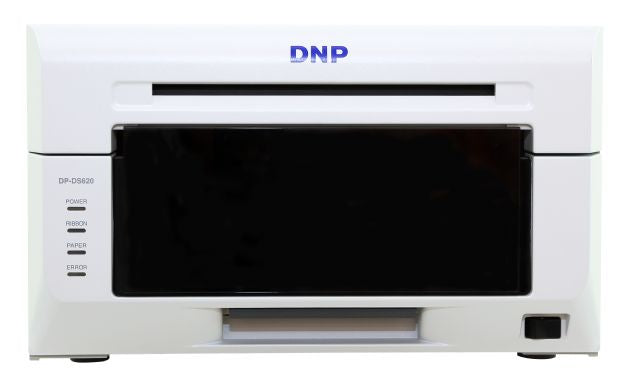
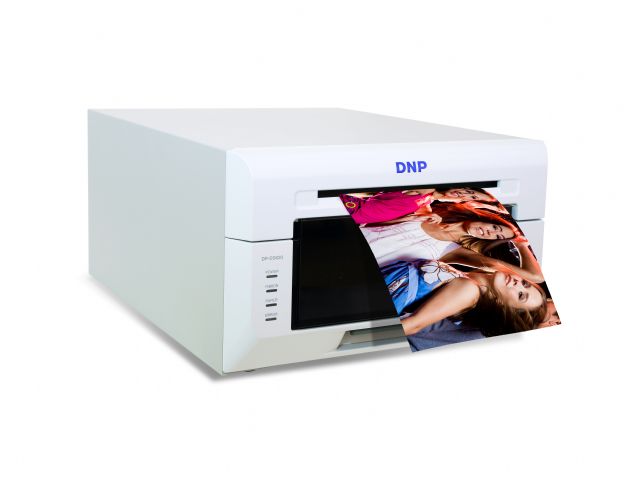
The DNP DS620 Digital Dye Sublimation Photo Printer produces high-quality prints in approximately 8 seconds (at a 10 x 15 cm format). The DS620 offers the option of printing your digital photos in both gloss and matte finishes, without changing the paper! The print head is located in the back of the printer, making it less vulnerable. The DS620 produces stunning prints with rich detail and smooth transitions. The prints are laminated with a strong layer, making them resistant to water, dust, UV rays, and fingerprints.
Unique features of the DS620 printer
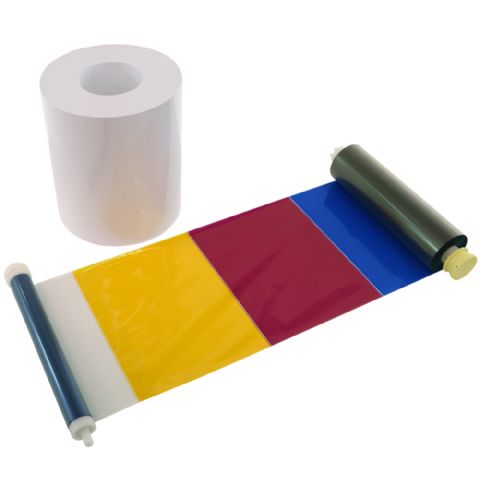
- The printer is equipped with a "Ribbon Rewind" function. This feature allows you to make a 10x15 cm (4x6 in) print from 15x20 cm (6x8 in) paper without wasting any paper or ribbon. Once a 10x15 cm (4x6 in) print is made, the ribbon rewinds, allowing you to make another 10x15 cm (4x6 in) print without wasting any paper. To use this function, you must select the "N" position when choosing a paper size in Windows. Otherwise, half of the paper will remain unused.
- The DS620 can print up to 400 photos per hour, making it one of the fastest professional photo printers in the world.
- In the printer driver, information can be read out, such as the number of prints remaining on the ribbon, the total number of prints the printer has produced and the firmware version.
- The media quality for the DS620 has been improved. It features a better lamination layer and a more flexible ribbon coating, extending the life of the thermal print head.
- The power consumption in standby mode is only 0.5W.
Hot Folder
DNP offers free software called "Hot Folder Print." This allows you to automatically print photos using a hot folder. The idea is simple: define a folder where the photos are placed and choose the desired printer and layout. Then you can take photos, and the photos will be printed automatically from the selected folder.
You can configure the correct properties once in Hot Folder Print, after which each photo will be printed correctly. Choose the size, finish, and optionally enable the 2-inch cut.
Printing options
The DS620 has various printing options and sizes:
5 x 15 cm (2 x 6 inch) only possible in pairs
10 x 15 cm (4 x 6 inches), 102 x 152mm: 800 prints per box
13 x 18 cm (5 x 7 inches), 127 x 178mm: 460 prints per box
15 x 15 cm (6 x 6 inches), 152 x 152mm: 400 prints per box
15 x 20 cm (6 x 8 inches), 152 x 203mm: 400 prints per box
15 x 23 cm (6 x 9 inches), 152 x 229 mm: 360 prints per box
To print panoramas, install the latest firmware version and print the photos using Hot Folder Print.
Print speeds on 300x300 dpi Glossy:
102 x 152 mm: approx. 8.4 sec./photo*
127 x 178 mm: approx. 12.8 sec./photo*
152 x 229 mm: approx. 15.6 sec./photo*
*speeds depend on the number of prints.
Finish:
- Gloss
- Matt
DNP Digital Dye Sublimation Photo Printer DS620
DNP Digital Dye Sublimation Photo Printer DS620 is on backorder and will be shipped as soon as it is back in stock.
- Calculating delivery day...
- Worldwide shipping
- 14-day cooling-off period
- Safe payments


| Quantity | Per unit | Code |
|---|---|---|
| 2+ items | €1.756,81 €1.792,66 |
discount2
|
| 5+ items | €1.703,03 €1.792,66 |
discount5
|
| 10+ items | €1.613,39 €1.792,66 |
discount10
|
Use the discount code at checkout. The discount applies to the entire order amount.

DNP Digital Dye Sublimation Photo Printer DS620 is on backorder and will be shipped as soon as it is back in stock.
Frequently bought together


Why Tormino?
Tormino B.V.
Dutch company
Pletterij 35 F, 2211 JT Noordwijkerhout
350,000+ products
One of the largest bicycle accessories ranges in Europe
Shipped from NL
All our orders are shipped from our Dutch warehouse
Worldwide shipping
View our shipping costs